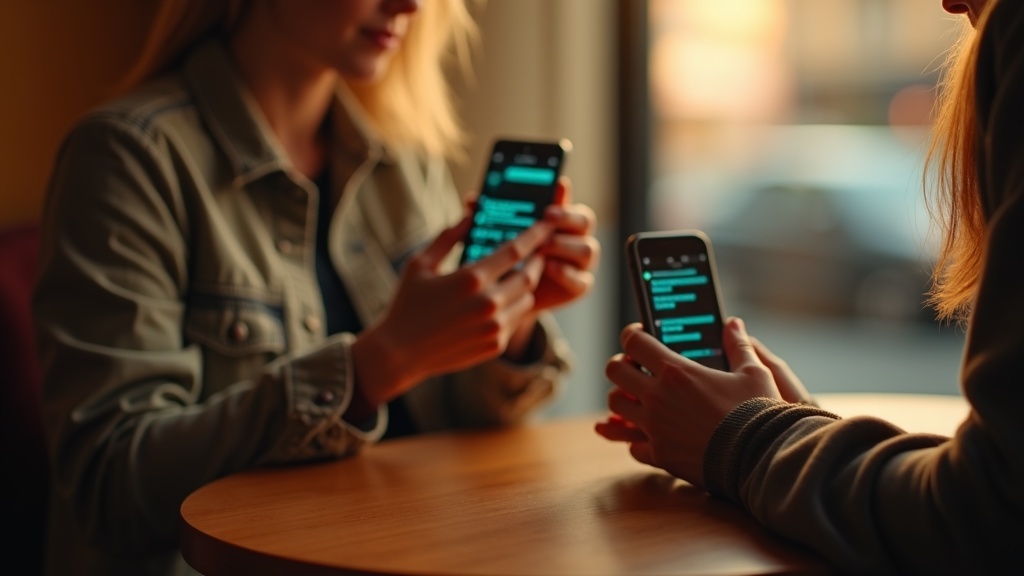
You send a text message. A minute later, your phone shows “Delivered.” Problem solved, right? Not quite. That little word doesn’t mean what most people think it means.
When your phone says a message was delivered, it only means the text made it to the other person’s phone. That’s it. It doesn’t tell you whether they opened it, read it, or even noticed it arrived. Their phone could be face-down on a table, stuffed in a backpack, or silenced during a meeting. The message is there, but you have no idea if anyone’s looking at it.
This confusion trips up millions of people every day. You might wait for a reply, wondering if someone’s ignoring you, when really they haven’t seen your message yet. Or you might assume someone read your text and chose not to respond, when actually it’s sitting unread in a sea of notifications.
The good news is that some messaging apps do offer ways to see if your texts were actually opened and read. These are called read receipts or read indicators. But they don’t work the same way everywhere, and they’re not available for regular SMS text messages in most cases.
Understanding what your phone can and can’t tell you makes a real difference. It helps you know when to follow up, when to wait, and when that “Delivered” status is giving you false confidence. Let’s break down what those little status messages actually mean and which apps give you reliable information about whether your texts are being read.
Delivered and read are not the same thing
When you send a text, you might see a few different status messages pop up. Most messaging apps show you when something was sent, when it was delivered, and sometimes when it was read. These aren’t just three ways of saying the same thing. They mean very different things.
Sent simply means your message left your phone. Think of it like dropping a letter in a mailbox. It’s out of your hands, on its way.
Delivered means the message made it all the way to the other person’s device or their messaging service. The mailman put it in their mailbox. But here’s the important part: delivered does not mean they opened it. It doesn’t even mean they’re looking at their phone right now.
Someone’s phone can receive your message while it’s sitting face-down on a table. They might be in a meeting, asleep, or just ignoring their notifications. The message is there, waiting. That’s what delivered tells you.
Read or seen is the only status that suggests the person actually opened your message. Most apps show this with a label or by changing the color or style of a checkmark. On iMessage, for example, the word “Read” appears below your text. On WhatsApp, two blue checkmarks mean someone opened the chat.
But even read receipts have limits. The person might have glanced at the message in a notification without really reading it. Or they opened the app by accident. A read receipt tells you the app was opened, not that they absorbed what you said or plan to respond.
What read receipts can (and can’t) do in SMS texting
Here’s the frustrating truth: traditional SMS text messages weren’t built to tell you if someone actually read your message. They’re based on older technology that only cares about getting your text from point A to point B.
What you might see on your phone is a “Delivered” status. That just means your message made it to the other person’s device. It doesn’t mean they opened it, looked at it, or even noticed the notification. Think of it like mail arriving in someone’s mailbox—you know it got there, but you have no idea if they’ve checked their mail yet.
Some phones do have a setting called “SMS read receipts” or “delivery reports,” which sounds promising. But here’s the catch: it only works if both people are using compatible devices on compatible carriers, and even then it’s hit or miss. Your friend’s phone has to support it, their carrier has to support it, and they need to have the right settings turned on. That’s a lot of ifs.
In practice, most people texting across different phone brands or carriers won’t see any read confirmation at all. You might send a message and see absolutely nothing beyond “Delivered,” or sometimes not even that. It’s not that something’s broken—SMS just wasn’t designed for this kind of tracking.
This is why messaging apps like WhatsApp, iMessage, and Facebook Messenger became so popular. They were built from the ground up with read receipts in mind, using internet data instead of the old SMS system.
How read indicators work in Android messages with RCS
If you use an Android phone, you might see read receipts sometimes but not always. That’s because Android’s default messaging app relies on something called RCS, which stands for Rich Communication Services. Think of RCS as a chat-style upgrade to regular text messages. When it’s working, you get features like typing indicators and read receipts, just like you’d see in WhatsApp or iMessage.
Here’s the catch: both you and the person you’re texting need to have RCS turned on for read indicators to work. If either of you is using a phone without RCS support, or if someone has turned off read receipts in their settings, you’ll only see the older status messages like “Sent” or “Delivered.”
When everything is set up right, you’ll see three different status messages. “Sent” means your message left your phone. “Delivered” means it reached the other person’s device. “Read” appears when they’ve actually opened and looked at your message. The word “Read” usually shows up in small text right below your message bubble, often with a timestamp.
But RCS needs a data connection to work, either WiFi or mobile data. If you’re texting someone who doesn’t have data turned on, or if they’re in an area with poor service, your message automatically falls back to regular SMS. When that happens, you lose the read indicator and go back to just seeing “Delivered” at most.
It’s also worth knowing that people can turn off read receipts in their message settings. If they do, you’ll never see “Read” even when RCS is working perfectly on both ends.
Why the same message can look different in different apps
Here’s something that trips people up all the time: read indicators aren’t actually a phone feature. They’re an app feature. Each messaging app decides whether to show them, what they look like, and when they appear.
Think about it. When you send an iMessage to another iPhone user, you might see “Delivered” in gray text below your bubble, then “Read” when they open it. Switch to WhatsApp, and you’ll see gray checkmarks that turn blue when someone reads your message. Facebook Messenger shows a tiny version of your friend’s profile picture. Instagram DMs say “Seen” with a timestamp.
They’re all showing you the same basic information, just dressed up differently. Each app has its own visual language.
The real confusion starts when you’re messaging across different apps or services. Send a regular text message to someone using their phone number, and you’re using SMS. That’s the basic texting system that works on every phone. SMS only tells you when a message is delivered, not when it’s read. There’s no read receipt built into the system itself.
Even trickier: if you normally use iMessage with someone but they switch to an Android phone, your blue bubbles turn green and your read receipts disappear. You didn’t change anything. They didn’t change anything. But you’re suddenly using a different messaging system that doesn’t support that feature.
This is why the same conversation can feel totally different depending on which app you’re both using. The message gets through either way, but the feedback you get about whether it was read depends entirely on what app is handling it.